Glbto3mf

Format conversion

A Practical obj to 3mf converter Workflow

Move an OBJ model into a 3MF workflow with a clear handoff, then inspect the result for geometry, materials, and package details before using it.

Review the result before use
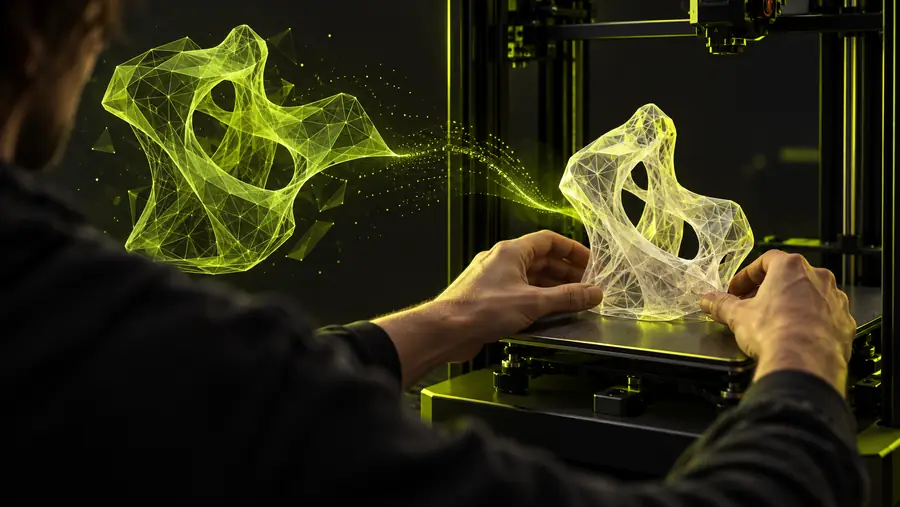
Abstract 3D model workspace for file conversion

Format anatomy

OBJ and 3MF: Structural Differences

OBJ is usually a geometry-focused model format, while 3MF is a package format that can organize model data and related resources together.

OBJ may be split across files

An OBJ commonly depends on an accompanying MTL file and texture images. A conversion cannot recover resources that are missing from the source folder.

Workaround

Keep the OBJ, MTL, and referenced textures together before starting.
Materials may not transfer exactly

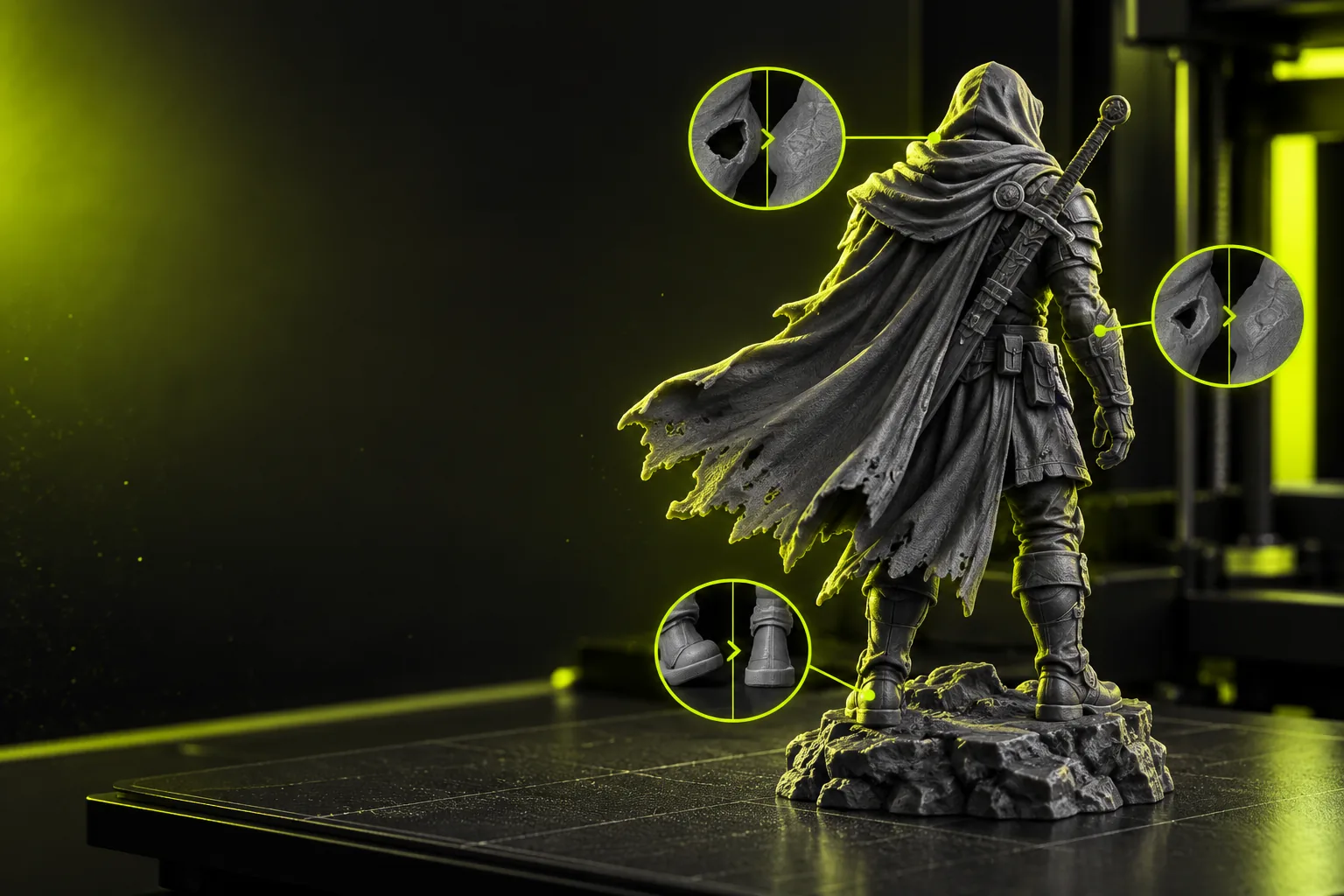
Different applications interpret material definitions, texture paths, and shading settings differently, so the converted appearance can change.

Workaround

Open the 3MF in the intended downstream application and inspect its materials.

Geometry problems remain geometry problems

Non-manifold edges, open surfaces, flipped normals, and self-intersections are source-model issues rather than format features.

Workaround

Repair the OBJ before conversion or correct the mesh after import.

Scene organization can change

OBJ scenes may use groups, object names, or separate meshes that are represented differently inside a 3MF package.

Workaround

Check object names, part separation, and placement after export.

Conversion checks

What OBJ to 3MF Conversion Can Lose

A successful file handoff does not guarantee identical scene behavior. These three checks help separate format changes from source-model issues.

  1. 1

    Prepare the source set

    Place the OBJ beside its MTL file and texture images, then check that referenced paths are valid and the model opens correctly before conversion.

  2. 2

    Convert and inspect

    Send the model through the conversion workflow and review the resulting 3MF for scale, orientation, mesh completeness, object separation, and visible materials.

  3. 3

    Validate the package

    Open the 3MF in the application that will use it, confirm the expected parts and appearance, and keep the original OBJ as a fallback.

Related routes

Conversion Tools for Nearby Formats

Choose a route based on the format you already have and the checks your downstream workflow requires.

Output review

How to Verify the 3MF File

Compare the source model with the converted package before passing it into another application or production step.

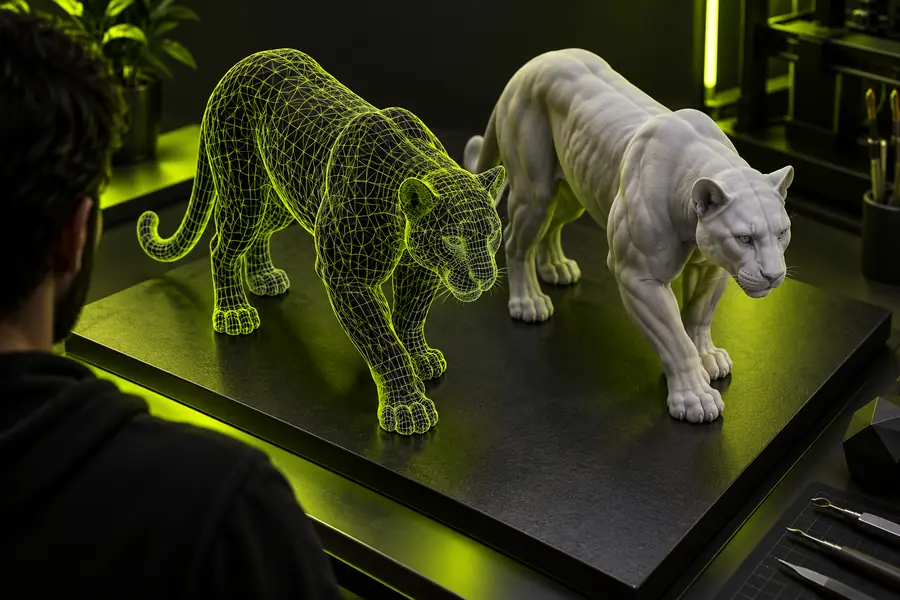
OBJ model prepared for conversion OBJ source
Converted 3MF workflow result 3MF package
Check geometry, scale, parts, and materials side by side before relying on the export.

Practical uses

OBJ to 3MF Workflows by Use Case

Different users care about different parts of the handoff. These checks keep the conversion useful without assuming that every OBJ contains the same scene data.

3D artist

You need to move a finished mesh from an OBJ-based archive into a package-oriented 3D workflow.

Review the model structure and materials after conversion while retaining the source for edits.

gltf to 3mf

Model librarian

You are consolidating downloaded or legacy assets and want a 3MF copy for organized delivery.

Keep the source files together, confirm resource paths, and verify the resulting package before cataloging it.

free stl to 3mf converter

Technical reviewer

You need to check whether a converted model is suitable for a downstream application or print preparation step.

Inspect scale, orientation, mesh integrity, part separation, and appearance rather than trusting the extension alone.

glb to 3mf online

Pipeline builder

You are documenting a repeatable path from common mesh assets to a 3MF handoff.

Use a consistent source-preparation and post-conversion checklist so failures are easier to diagnose.

gltf to 3mf

Ready to convert

Prepare Your OBJ for a Better 3MF Handoff

Start with the source files, send the conversion request, and verify the resulting package in the application that will use it. Keeping the original OBJ makes any comparison or repair step easier.

Convert an OBJ file
  • Keep referenced assets together
  • Inspect the converted package
  • Retain the original source

Variant FAQ

OBJ to 3MF Converter FAQ

It moves a model stored in OBJ format into a 3MF-oriented workflow. The conversion is useful when the next application or delivery process expects a 3MF package rather than an OBJ and its separate resource files.

It can preserve supported material and texture information when the source references are available and the workflow can interpret them. Because OBJ materials often rely on MTL and image files, inspect the result rather than assuming the appearance will be identical.

Check that the model opens, the geometry is complete, the scale and orientation are sensible, and separate parts remain identifiable. Also review materials, texture appearance, and any object or scene organization needed by the destination application.

The difference can come from missing MTL or texture files, unsupported material settings, changed scene organization, or existing mesh problems. Compare the source and output, confirm all referenced files were included, and repair the model if the issue is geometric.

Open 3D studio
Open 3D studio