Glbto3mf

Format workflow

Move your assets from gltf to 3mf

This gltf to 3mf workflow helps turn a scene-oriented source file into a 3MF package that is easier to inspect, share, and prepare for downstream 3D work.

Review the output before use
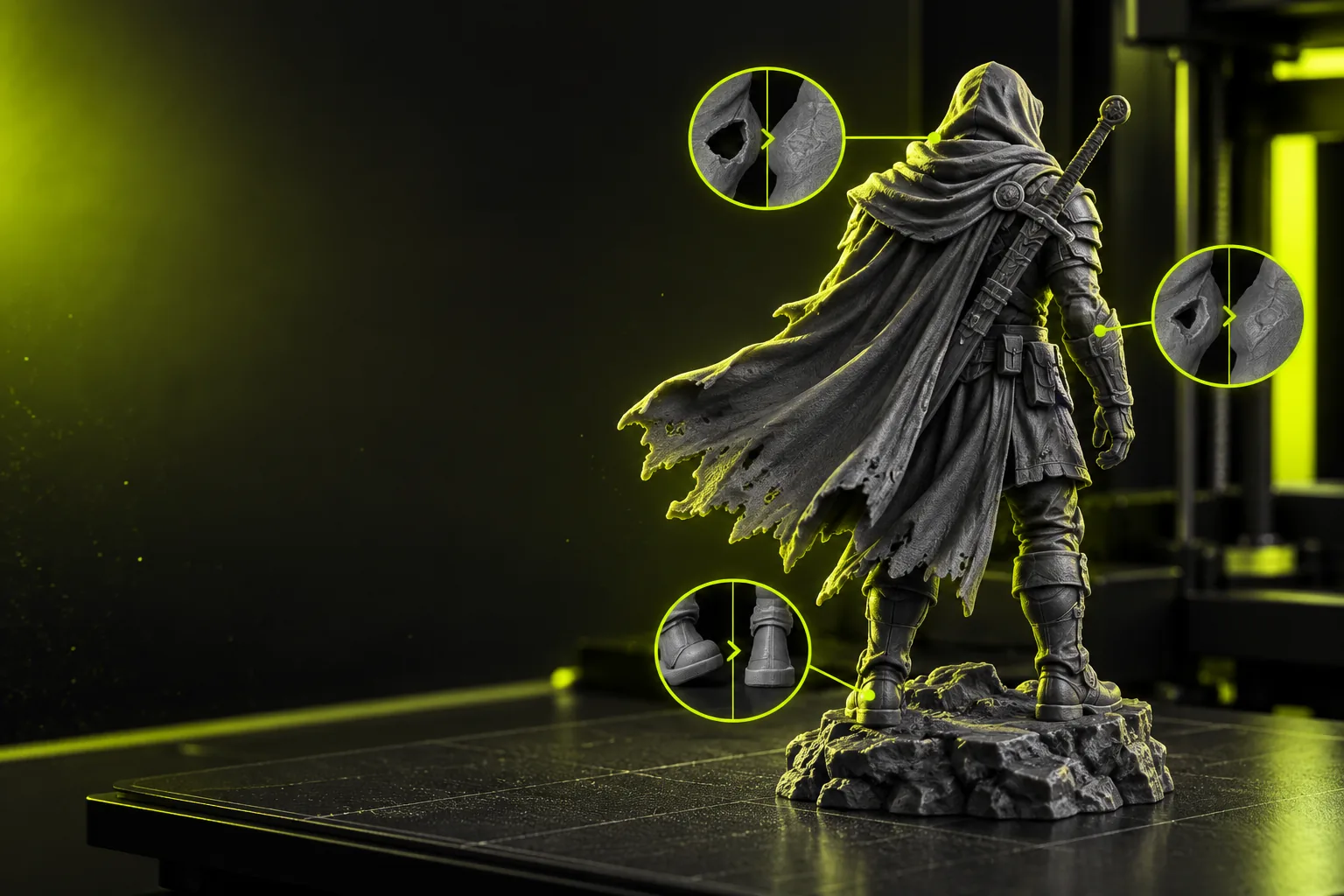
3D asset workflow interface showing a model conversion process

What this variant is

GLTF and 3MF solve different problems: one describes a portable 3D scene, while the other packages model data for manufacturing-oriented workflows.

Web asset teams

A designer has a glTF scene exported from a browser or real-time tool and wants a more structured package for handoff.

The conversion separates the source format from the next-stage delivery format, making the asset easier to review with the receiving team.

obj to 3mf converter
Prototype developers

A prototype begins as a glTF model but needs to move into a workflow that accepts 3MF packages.

A defined conversion pass provides a clear checkpoint for geometry, scale, and material review before the model is used elsewhere.

free stl to 3mf converter

Technical artists

A scene contains meshes, transforms, and visual references that must be checked before a downstream export.

The converter workflow encourages validation rather than assuming that every scene feature maps directly into the destination.

glb to 3mf online

Model reviewers

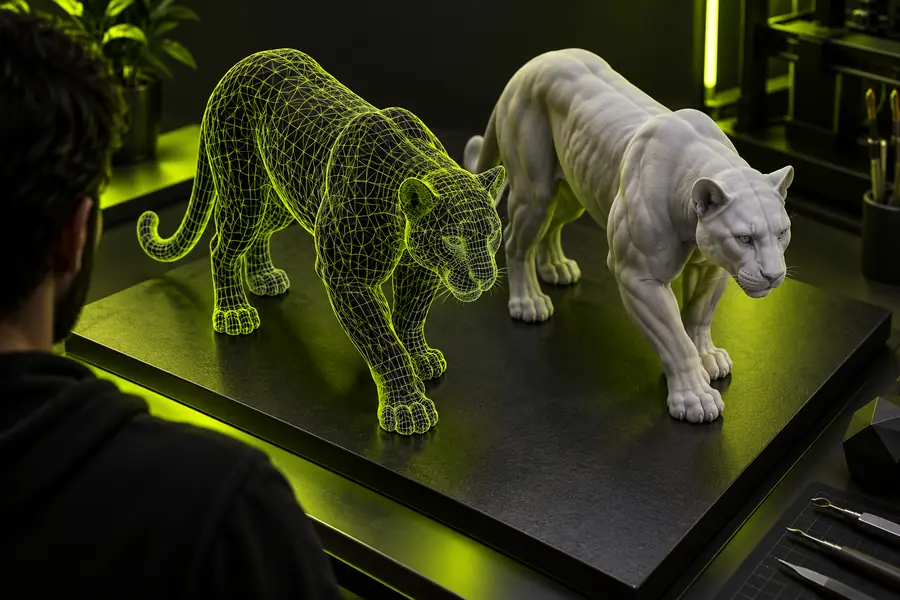
A stakeholder needs to compare the original glTF asset with the resulting 3MF package before approval.

Side-by-side inspection makes missing geometry, changed scale, or simplified appearance easier to identify.

obj to 3mf converter

Why this conversion

A careful format conversion is less about changing an extension and more about preserving the parts of the asset that matter for the next tool.

  1. 1

    Prepare the source

    Check that the glTF file opens correctly, identify the intended scene or object, and note any textures, transforms, or separate meshes that need review.

  2. 2

    Run the format conversion

    Send the source through the web workflow and use the conversion prompt to describe the intended 3MF result without adding unsupported assumptions.

  3. 3

    Inspect the package

    Open the resulting 3MF in the next application and verify geometry, orientation, scale, appearance, and object grouping before relying on it.

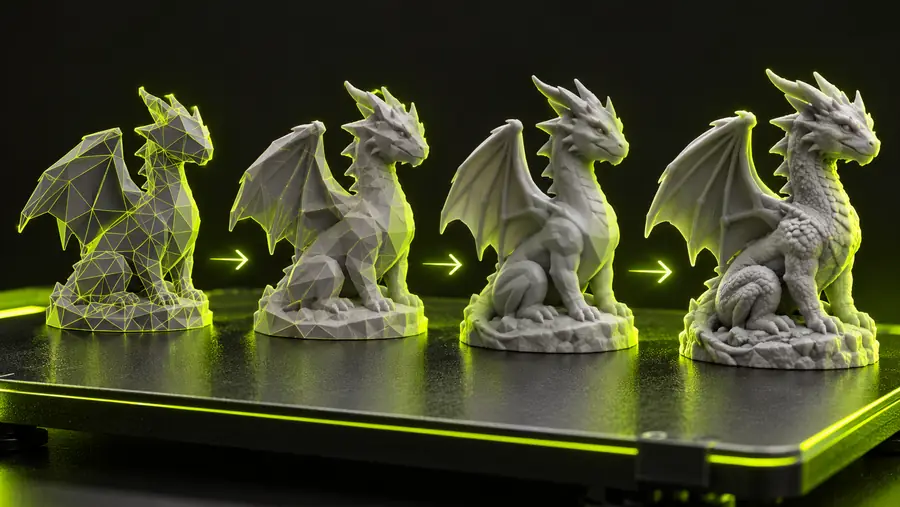
GLTF scene prepared for conversion GLTF source
3MF-oriented model package ready for inspection 3MF result
The visual change is a format handoff, not a guarantee that every scene feature survives unchanged.

Scene behavior is not preserved

Animations, interactive scripts, cameras, and runtime logic are not the same thing as a static 3MF model package.

Workaround

Export or document those behaviors separately when they are needed downstream.

Materials may need review

A source scene can contain shaders, texture references, or lighting assumptions that do not map one-to-one into the destination.

Workaround

Inspect the result in the receiving application and keep the original textures and references available.

Scale is not self-validating

A successful conversion does not prove that the model uses the correct real-world units or intended dimensions.

Workaround

Measure a known feature and confirm the target application's unit settings before fabrication or layout.

Complex scenes can require cleanup

Multiple objects, hidden parts, unsupported nodes, or non-manifold geometry may need attention after conversion.

Workaround

Simplify the scene and repair geometry in a dedicated 3D editor before the final handoff.

Spec table

Use this comparison to decide whether the source and destination roles match your next step.

GLTF / glTF source
3MF destination

Primary role

GLTF / glTF source

Portable description of 3D scenes and assets

3MF destination

Packaged 3D model format for structured downstream use

Typical contents

GLTF / glTF source

Meshes, nodes, transforms, and referenced visual data

3MF destination

Model data with package-level structure and related resources

Runtime animation

GLTF / glTF source

May describe animation data

3MF destination

Not a runtime animation container

Web and real-time use

GLTF / glTF source

Well suited to interchange with browsers and interactive tools

3MF destination

Usually treated as a delivery or production package

Material handling

GLTF / glTF source

Can reference textures and scene appearance

3MF destination

Appearance may require validation after conversion

Unit confidence

GLTF / glTF source

Depends on how the source was authored

3MF destination

Still requires measurement and application-side checking

Scene complexity

GLTF / glTF source

Can represent a broader scene graph

3MF destination

May require simplification or cleanup

Review requirement

GLTF / glTF source

Open the original to establish a reference

3MF destination

Inspect the converted package before downstream use

Put the converted package to work

Start with the source scene, describe the intended result, and review the returned package before moving it into your production workflow. The conversion is a useful handoff, but your final application remains the authority for scale, appearance, and compatibility.

Convert my GLTF file
  • Keep the original source for comparison
  • Check geometry and scale after conversion
  • Review materials in the destination application

Variant FAQ

These answers cover the common questions behind a gltf to 3mf converter workflow.

A gltf to 3mf converter changes a glTF or GLB-based scene into a 3MF package for another stage of 3D work. It should be treated as a format handoff that still needs inspection, especially for scale, materials, and scene structure.

Yes, a conversion workflow can be used when glTF is the source and 3MF is the required destination. Before relying on the result, confirm that the geometry and object organization match what the receiving application expects.

Visual data can require review because shaders, texture references, and lighting assumptions may not map directly between formats. Keep the original assets available and inspect the converted package in the destination tool.

Open the 3MF package in the application that will use it, then check orientation, dimensions, mesh completeness, object grouping, and visible appearance. Compare it with the original glTF scene before approving the handoff.

Open 3D studio
Open 3D studio