Glbto3mf

Web conversion

Move your model with glb to 3mf online

Use glb to 3mf online when you want to move a GLB asset into a 3MF-oriented workflow without installing a separate desktop converter. Start with the source file, review the handoff, and continue with the resulting package.

Hands off to web workflow
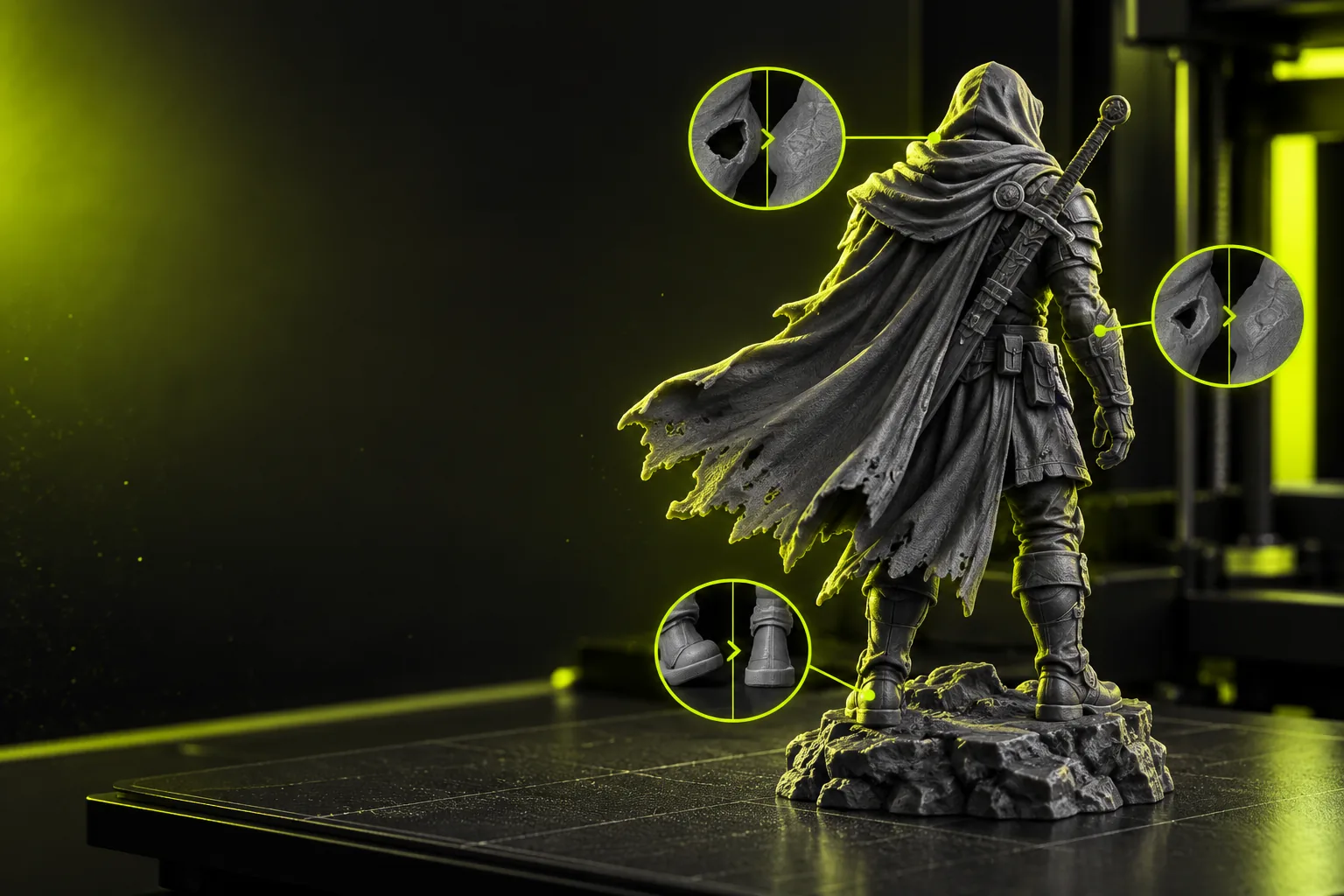
Technical 3D model workflow displayed in a dark interface

How the online workflow works

The process is easiest when you separate source preparation, format conversion, and output inspection into three deliberate stages.

  1. 1

    Prepare the GLB

    Check that the source opens correctly, contains the intended meshes, and uses a sensible scale before starting the handoff.

  2. 2

    Start the web conversion

    Send the conversion request through the online workflow and specify that the destination should be a 3MF package.

  3. 3

    Inspect the 3MF result

    Review geometry, orientation, scale, and any material or color expectations before using the output in the next tool.

Related 3D format workflows

Choose a more specific path when your source format, access requirement, or color goal matters more than the general online workflow.

What changes between source and destination

GLB and 3MF serve different points in a 3D workflow. Use this comparison to decide what to verify after the online handoff.

GLB source
3MF destination

File extension

GLB source

.glb

3MF destination

.3mf

Workflow role

GLB source

Source asset for a scene or model

3MF destination

Destination package for a 3D production workflow

Common review

GLB source

Meshes, transforms, materials, and scene structure

3MF destination

Geometry, scale, orientation, and package contents

Color expectation

GLB source

May include material and texture references

3MF destination

Requires a result-specific check for retained appearance

Primary action

GLB source

Open and validate the source

3MF destination

Inspect and use the converted package

Best handoff habit

GLB source

Remove unintended objects and confirm scale

3MF destination

Confirm the output opens correctly in the next application

Who benefits from an online GLB workflow

An online route is useful when the main challenge is moving a model between tools, not building the asset from scratch.

3D artists

You have a GLB scene from a real-time or visualization workflow and need a more production-oriented destination package.

A focused conversion pass gives you a clear point to inspect geometry, scale, and materials before continuing.

glb to 3mf with color
Fabrication teams

A teammate sends a GLB asset, but your downstream process expects a 3MF file.

The online handoff creates a practical bridge between the received source and the next review step.

free stl to 3mf converter

Product designers

You want to test a model transfer without adding another conversion utility to your workstation.

A web workflow keeps the format change separate from your primary design application.

glb to 3mf alternative free

Technical reviewers

You need to check whether a supplied asset is suitable for a 3MF-oriented process before approving the next step.

Reviewing the source and destination side by side makes missing geometry, scale issues, or appearance changes easier to spot.

glb to 3mf tutorial free

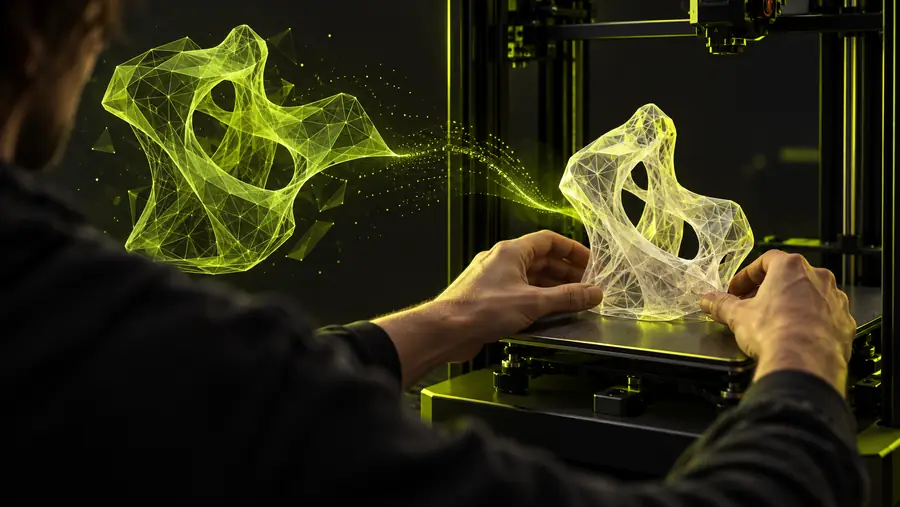
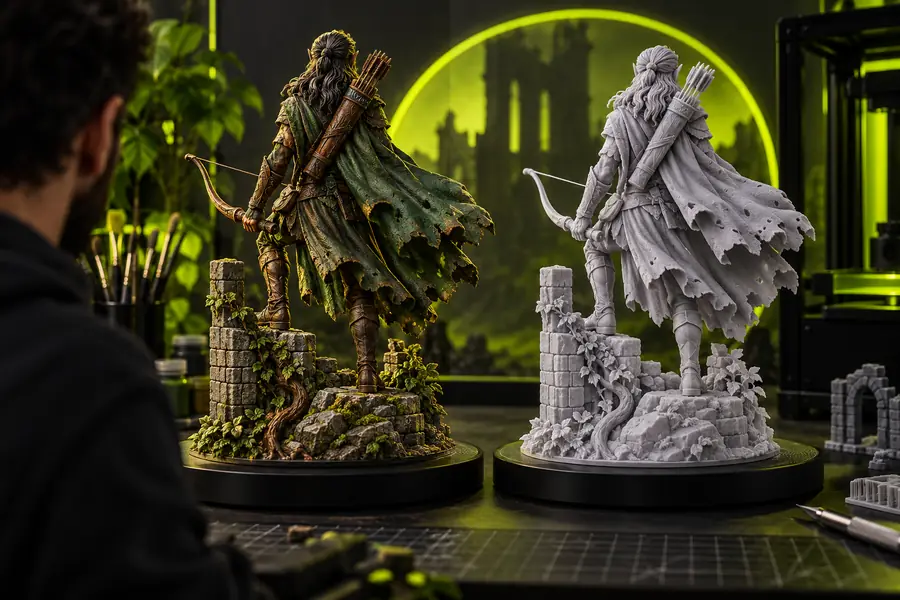
See the handoff as a before-and-after check

GLB model prepared for an online conversion workflow GLB source
3MF-oriented model result ready for inspection 3MF result
The visual comparison is a reminder to inspect the output rather than assuming every source property transfers identically.

Ready to move your model online?

Begin with the GLB file you already have, describe the destination you need, and use the handoff as a structured review point. The most reliable result comes from checking geometry, scale, orientation, and appearance before the 3MF package enters its next tool.

Open conversion workflow
  • Start from an existing GLB asset
  • Keep geometry and scale in review
  • Check the 3MF result before downstream use

GLB to 3MF online FAQ

It provides a web-based path for moving a GLB asset toward a 3MF destination. The important part is not only creating the output, but also checking that the geometry, scale, orientation, and expected materials are suitable afterward.

A web workflow is designed for handling the format change through an online surface rather than a locally installed converter. You should still confirm that the resulting 3MF opens correctly in the application you plan to use next.

Inspect the model's geometry, scale, orientation, and object placement first. If the GLB used materials, textures, or color information, compare the result with the source and verify that the appearance meets your needs.

Color and material behavior depends on the source asset and the conversion path, so it should not be assumed from the file extensions alone. Review the output visually and use a color-focused workflow when appearance is a central requirement.

It can be a useful starting point, but complexity increases the importance of source cleanup and output inspection. Remove unintended objects, check scale, and confirm that the converted package contains what your next tool expects.

Open 3D studio
Open 3D studio